
The Agent Builder in Sequentum Cloud is an AI-powered capability that enables users to create data extraction agents using natural language instructions. Instead of manually configuring extraction steps and workflows, users can describe the required automation in plain English, and the platform automatically generates the agent structure and extraction logic.
Agent Builder is designed to simplify and accelerate the creation of common to moderately complex web scraping workflows. By combining AI-driven prompt interpretation with Sequentum Cloud’s enterprise-grade automation framework, it reduces development effort while making agent creation more accessible to both technical and non-technical users.
Creating an Agent Using Agent Builder
Follow the steps below to create an agent using AI-assisted workflow generation.
Steps to Create an Agent
-
Open the Agent Creation Menu :
From the Sequentum Cloud dashboard, navigate to the New Agent option available in the main Home page and spaces. This option allows users to create a new extraction agent from scratch. -
Select Build with AI :
In the agent creation options, select Build with AI to launch the Agent Prompt Builder interface.
The Agent Prompt Builder provides a conversational input area where users can describe the workflow they want to automate using natural language.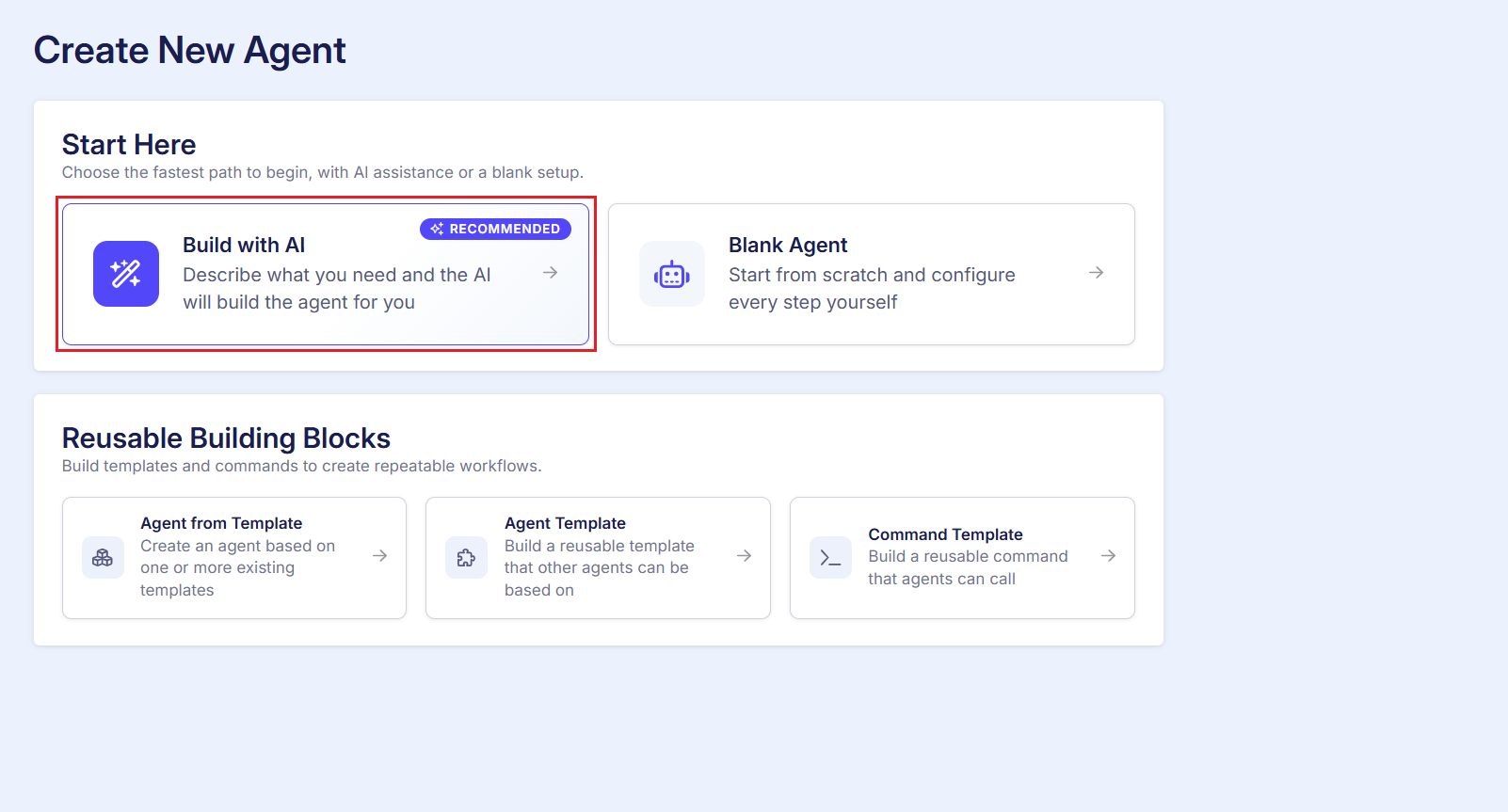
Create new agent window -
Enter the Workflow Instructions: In the prompt input field, provide a clear and detailed description of the extraction workflow. The more specific the instructions, the more accurately the AI can generate the required agent structure.
You can include details such as:
-
Target website or URL
-
Type of data to extract
-
Pagination requirements
-
Navigation steps
-
Filters or categories
-
Output expectations
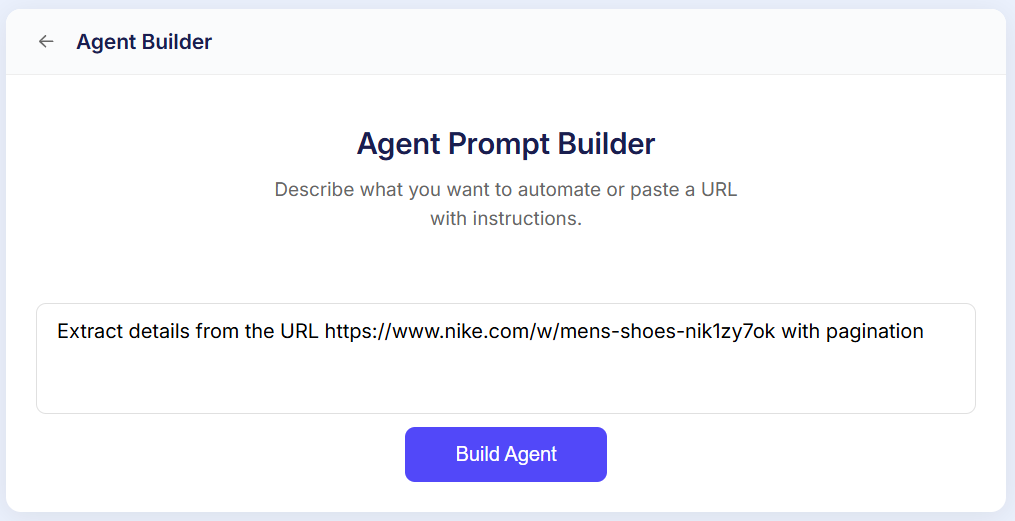
Example Prompt
Extract details from the URL https://www.nike.com/w/mens-shoes-nik1zy7ok with pagination
-
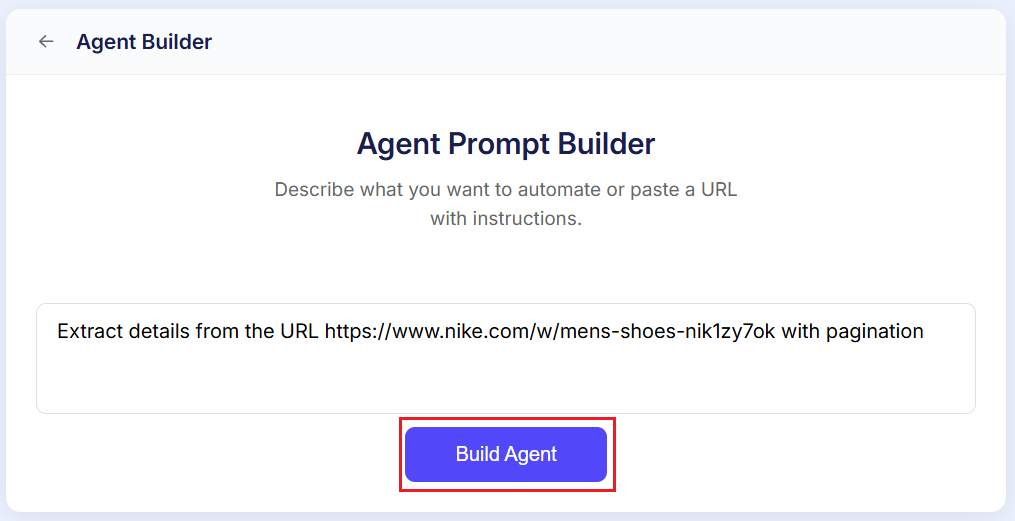
Click Build Agent
After entering the instructions, click Build Agent.
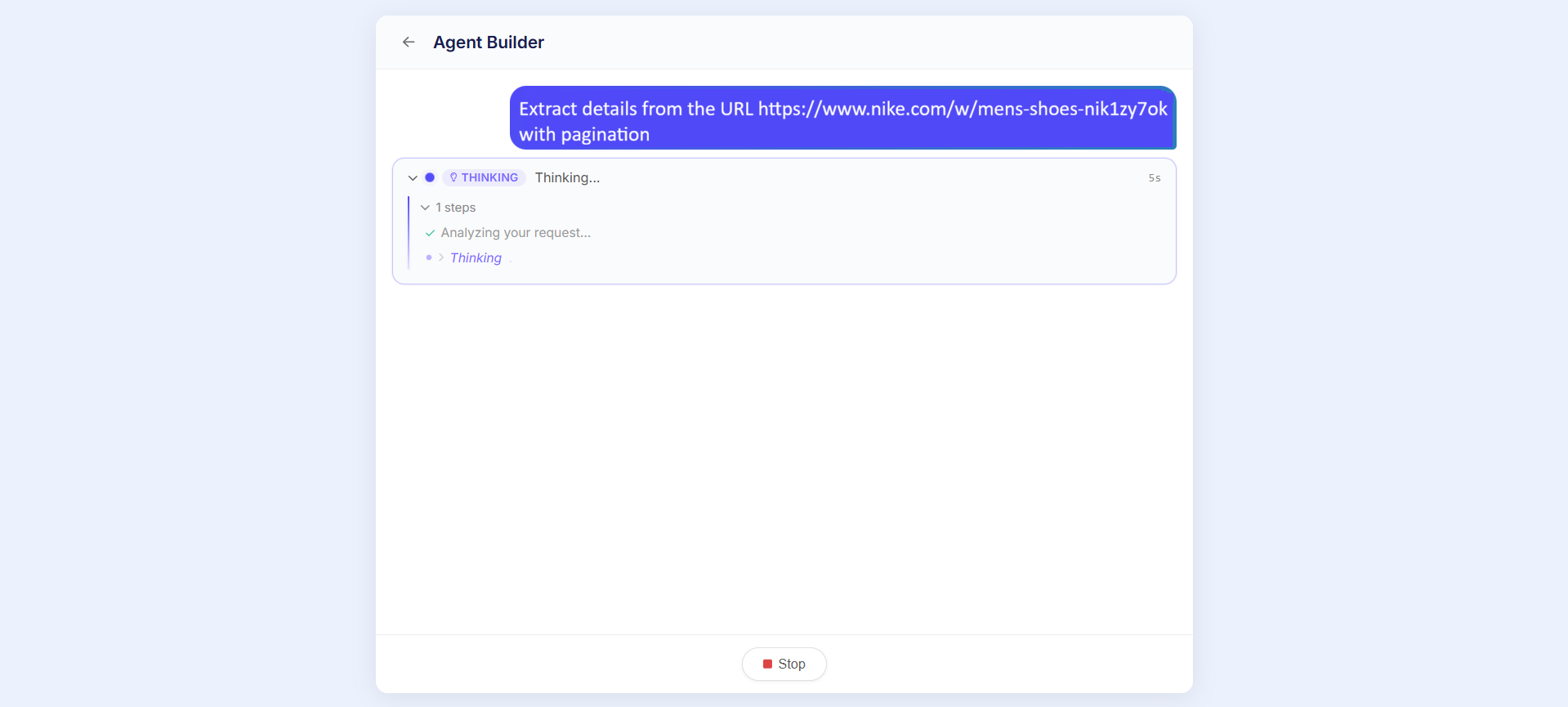
The platform will process the prompt using AI and begin generating the extraction workflow automatically. During this process, Sequentum Cloud interprets the request, identifies the target page structure, and creates the corresponding agent steps.
-
Review the Generated Workflow
Once the generation process is complete, the newly created agent will open.Review the generated workflow carefully to verify:
-
Navigation steps are correct
-
Data fields are mapped properly
-
Pagination logic is working as expected
-
Extraction actions are aligned with the requested workflow
6. Refine the Agent if Required
Depending on the complexity of the target website, minor adjustments may be required before execution.
Users can further refine the generated agent
-
Save and Run the Agent
After validating the workflow, save the agent configuration and execute the agent to begin data extraction.
The extracted data can then be reviewed, exported, or integrated into downstream workflows based on the configured output settings.
To learn more about Agent Builder, please refer to https://docs.sequentum.com/agent-builder/overview